Two models, two tables
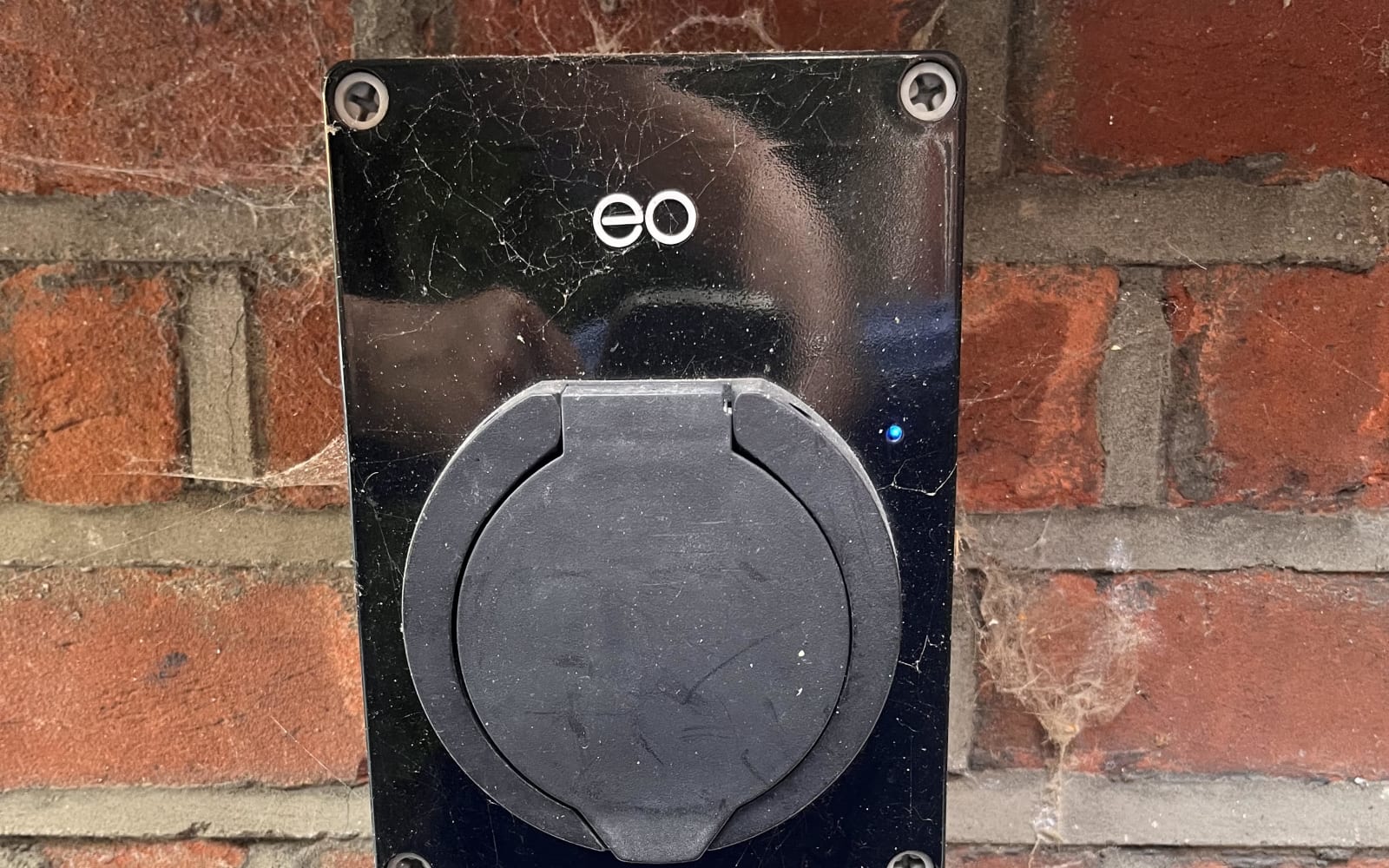
The Mini Pro 2 (the square shaped unit, sold 2020 to 2022) and the Mini Pro 3 (the rounded unit, 2022 on) share most of their normal running colours but not their power up sequence or their fault display. The Mini Pro 2 table is from EO’s 2020 installation guide. The Mini Pro 3 table combines three EO and Hive editions, because the wording changed as the firmware moved on; where they differ, the table says so.
EO Mini Pro 2
Power up
| Light | State | Notes |
|---|---|---|
| Not illuminated | Power off | No power reaching the unit |
| Solid red | Initialising | Normal for a few seconds after power on |
| Pulsing blue | Ready | Started successfully, ready to charge |
Normal operation
| Light | State | Notes |
|---|---|---|
| Pulsing blue | Ready | Ready to charge, no cable or cable removed |
| Pulsing green | Vehicle connected | Communicating with the car, trying to start a session |
| Solid green | Charging | Session running |
| Solid yellow | Paused | Paused by a schedule, the pause button, or load management |
| Red, solid or counted flashes | Fault | Which fault, and what to do, is on the red light page |
Note the yellow. Since the EO Smart Home app went dark in November 2025 no schedule can come from the cloud, but load management set up on the unit still runs locally, and yellow is what it looks like when it holds the charge back.
EO Mini Pro 3
Power up
| Light | State | Notes |
|---|---|---|
| Not illuminated | Power off | No power reaching the unit |
| Solid white | Initialising | Normal after power on |
| Pulsing blue | Ready | Started successfully. EO says allow up to ten more minutes for the unit to reach the platform so the app can control it |
Normal operation (all editions combined)
| Light | State | Notes |
|---|---|---|
| Slow pulsing blue | Ready | Ready to charge, no cable connected |
| Fast pulsing blue | Preparing | Cable in, session not started yet (later firmware) |
| Pulsing green | Cable inserted, or charging suspended | Earlier guides: talking to the car, trying to start. Hive edition: session suspended by the schedule or the car’s settings |
| Solid green | Charging | Session running |
| Yellow | Paused | Put on pause (EO’s guides) |
| Cyan | Random delay | The regulated randomised start delay is running (2025 guide) |
| Red, solid or pulsing | Fault or error | Earlier guide: pulsing red. 2025 EO guide and Hive edition: solid red. Treat either as a fault; detail in the app and on the red light page |
| Pulsing blue and green | Firmware update | Updating; it reboots when done (later firmware) |
| Pulsing red and green | Tamper notification | The internal tamper sensor has been triggered (later firmware) |
| Pulsing white | RFID | A card was scanned and recognised (earlier guide) |
The Mini Pro 3 does not count faults out in flashes the way the older units do. If you are seeing counted red flashes, you have a Mini Pro 2 or earlier.
The three that catch people out
Solid red at switch on, Mini Pro 2. Not a fault. It is the unit booting. Give it a moment and it should go to pulsing blue. If it stays solid red for more than a minute, that is an internal fault and it will not clear on its own.
Pulsing green that never goes solid. The charger is ready and the car is not accepting the charge. Almost always a timer or departure setting in the car, sometimes a cable that has not latched properly. Not the charger.
Yellow, or pulsing green, when you did not pause it. Something is holding the charge back on purpose. On a Mini Pro 3, check the ev.energy app for a schedule, and note that a random start delay shows as cyan on later firmware. On a Mini Pro 2, it will be local load management, and the charge should start when the house load drops.
When the light is not on the list
If you are seeing something not in the tables, a colour cycling oddly or a light that flickers, take a short video, fill out the form below to start our remote survey, and show us. It is usually a supply problem or a failing unit, and either way it wants a look.